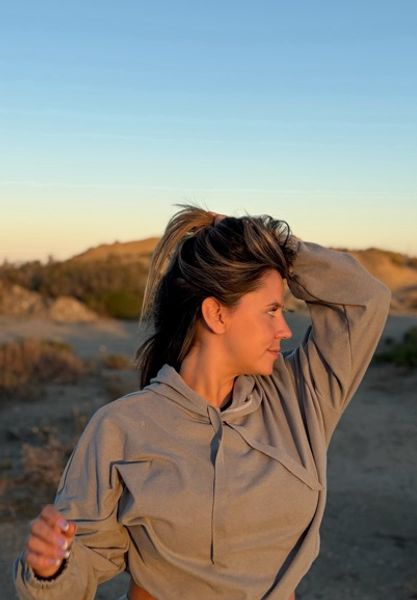
Private should mean controlled
A private album is not a public feed. It should help people decide who can view certain photos and when access should be limited.
Wavo treats private albums as a privacy feature, not a shortcut for exposing sensitive content. The important idea is control: who can view, how access is requested, how access is approved, and how misuse can be reported.
How private photo sharing should work
Good private photo sharing gives users clear choices. You should understand what is visible, what is restricted, and how to change your mind.
The experience should also avoid surprising people. If something is private, it should not appear in SEO pages, public sitemaps, or search engine indexes.
- Keep private album content out of sitemap.
- Make access decisions clear to the user.
- Use report tools if someone misuses shared content.
Locked albums and profile moments
People are more likely to participate when they feel in control. Locked albums can make a social profile more expressive without forcing every moment into a fully public feed.
That balance matters for a social app built around meeting new people: discovery should not require giving up personal boundaries or making private profile photos searchable.
Private content needs consent and control
Private albums should be permission-based. People need to understand what they are sharing, who can view it, and how to remove access when the trust level changes.
Wavo frames private photo features around user control, reporting, and clear boundaries. Non-consensual content, unauthorized photos, minors, harassment, or attempts to expose private media should never be treated as acceptable social behavior.
- Share only content you own or have the right to share.
- Use access controls instead of making private photos public.
- Report abuse, impersonation, non-consensual sharing, or underage content immediately.
What Wavo will not index
Specific private album content, private photos, messages, payment pages, account settings, and private profile areas should stay out of search engines.
This page explains the feature at a high level. It is not a doorway to private user content.